Automation, Sync, And AI Agents FAQ
These are the power-user questions. Use this page when you are deciding whether PrimeCal should do the work automatically, sync it from elsewhere, or let an AI agent act on your behalf.
Should I solve this with Automation or with an AI agent?
Short answer: use Automation for repeatable in-product rules; use an AI agent when an external tool needs controlled access to PrimeCal.
Choose Automation when:
- the trigger is predictable
- the rule should run the same way every time
- the logic lives naturally inside PrimeCal
Choose AI Agents (MCP) when:
- an external coding tool or assistant needs access
- permissions must be scoped tightly by feature or calendar
- a human or tool outside PrimeCal is initiating the work
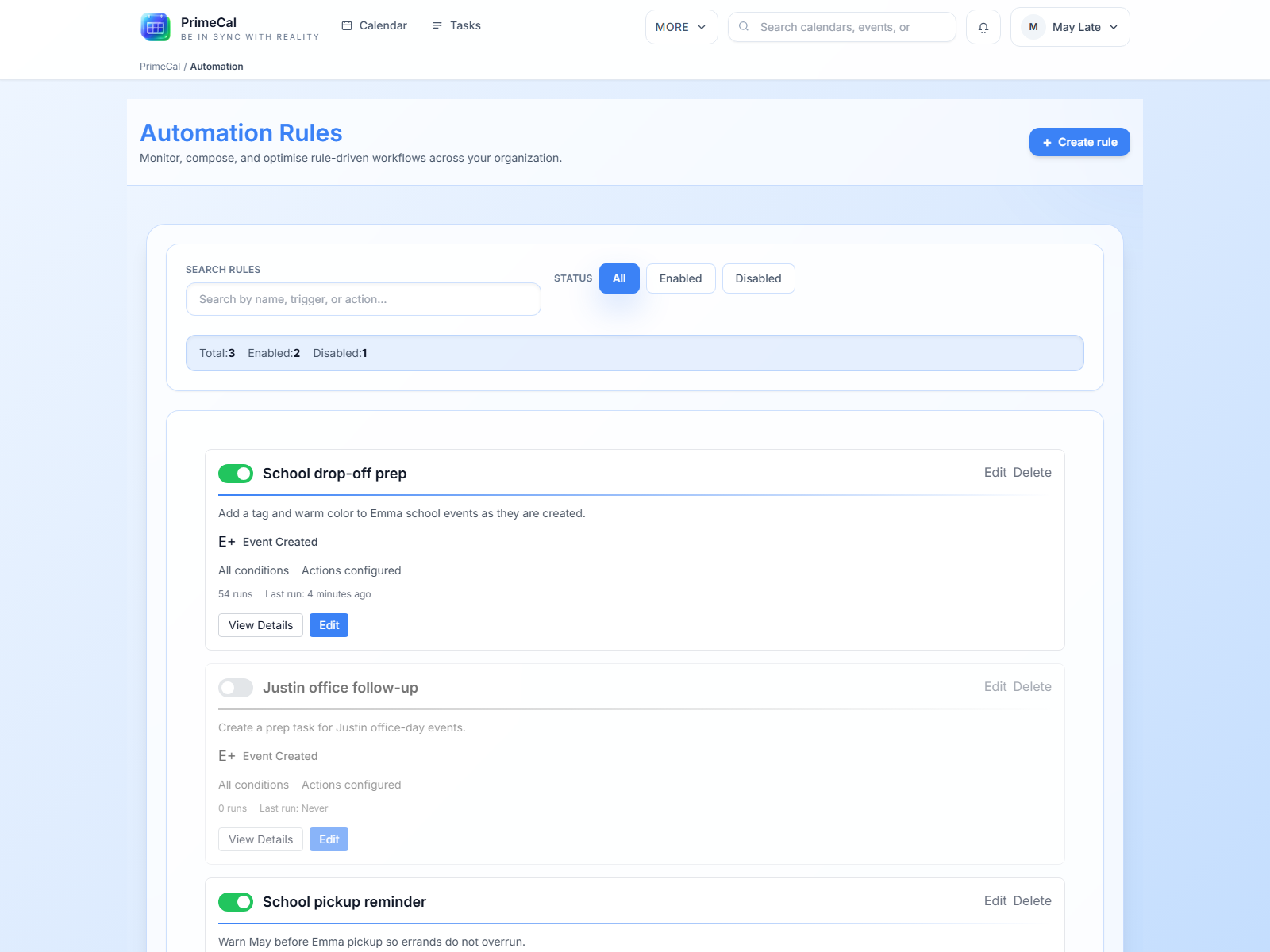
Can imported events trigger automations?
Short answer: yes, imported events can participate in automation when you set the rule up for that workflow.
That makes a strong combination for cases like:
- recoloring imported school calendars
- creating follow-up tasks from imported events
- normalizing titles or descriptions after sync
Start small and verify one real example before building a larger rule set.
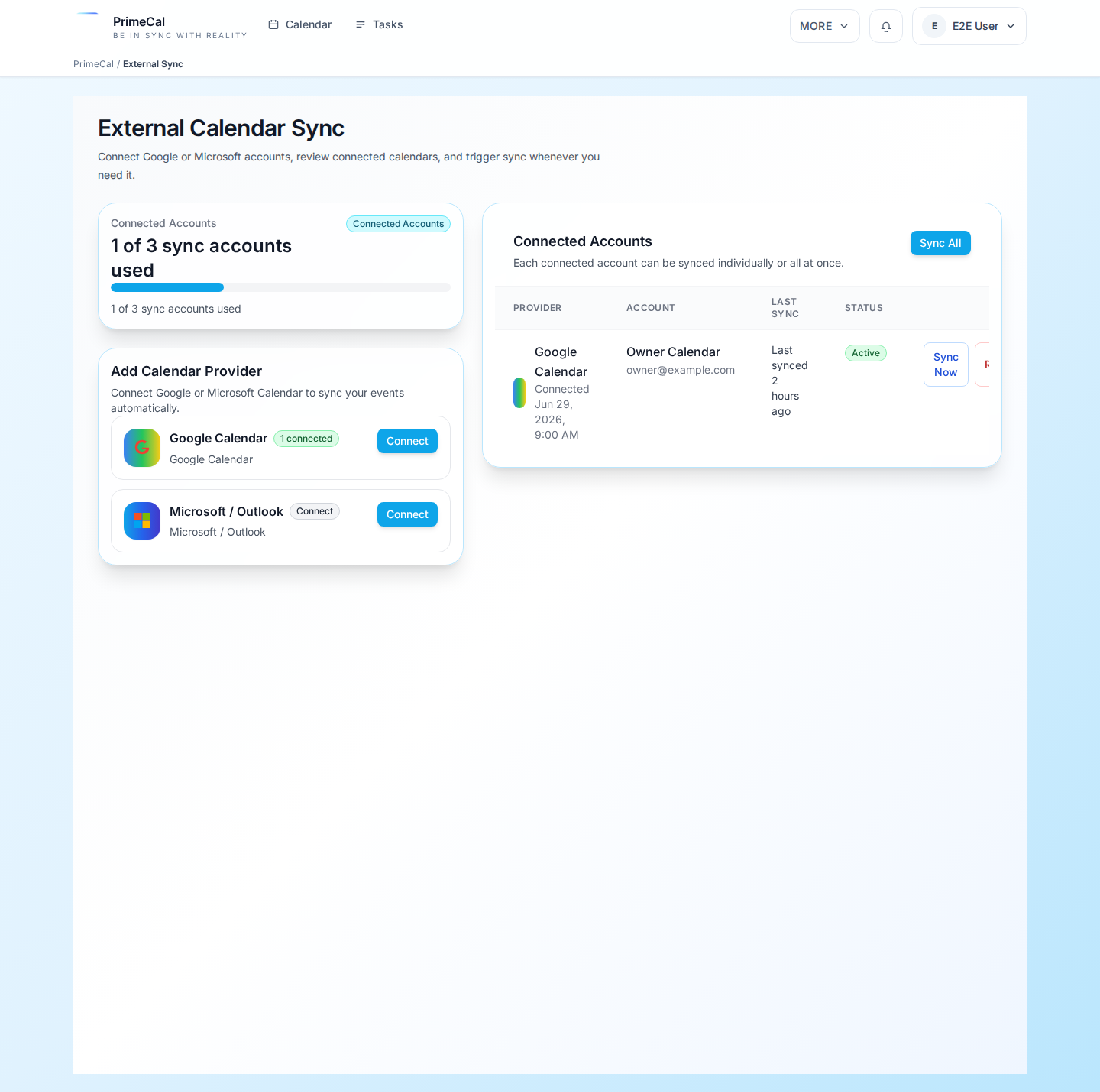
I connected Google or Microsoft. What should I sync first?
Short answer: start with one or two calendars that you genuinely need, not your whole account.
The safest first connection is a small, meaningful set such as:
- one shared family calendar
- one school or work calendar
This makes it easier to catch naming, color, duplication, and recurrence issues before the setup gets wide.
A synced calendar looks duplicated or messy. What is the safest fix?
Short answer: simplify first, then reconnect cleanly if needed.
Work in this order:
- confirm which calendars are actually mapped
- reduce the connection to the smallest useful set
- re-check whether two-way behavior is appropriate
- if the mapping is wrong, disconnect and reconnect cleanly instead of stacking more changes on top
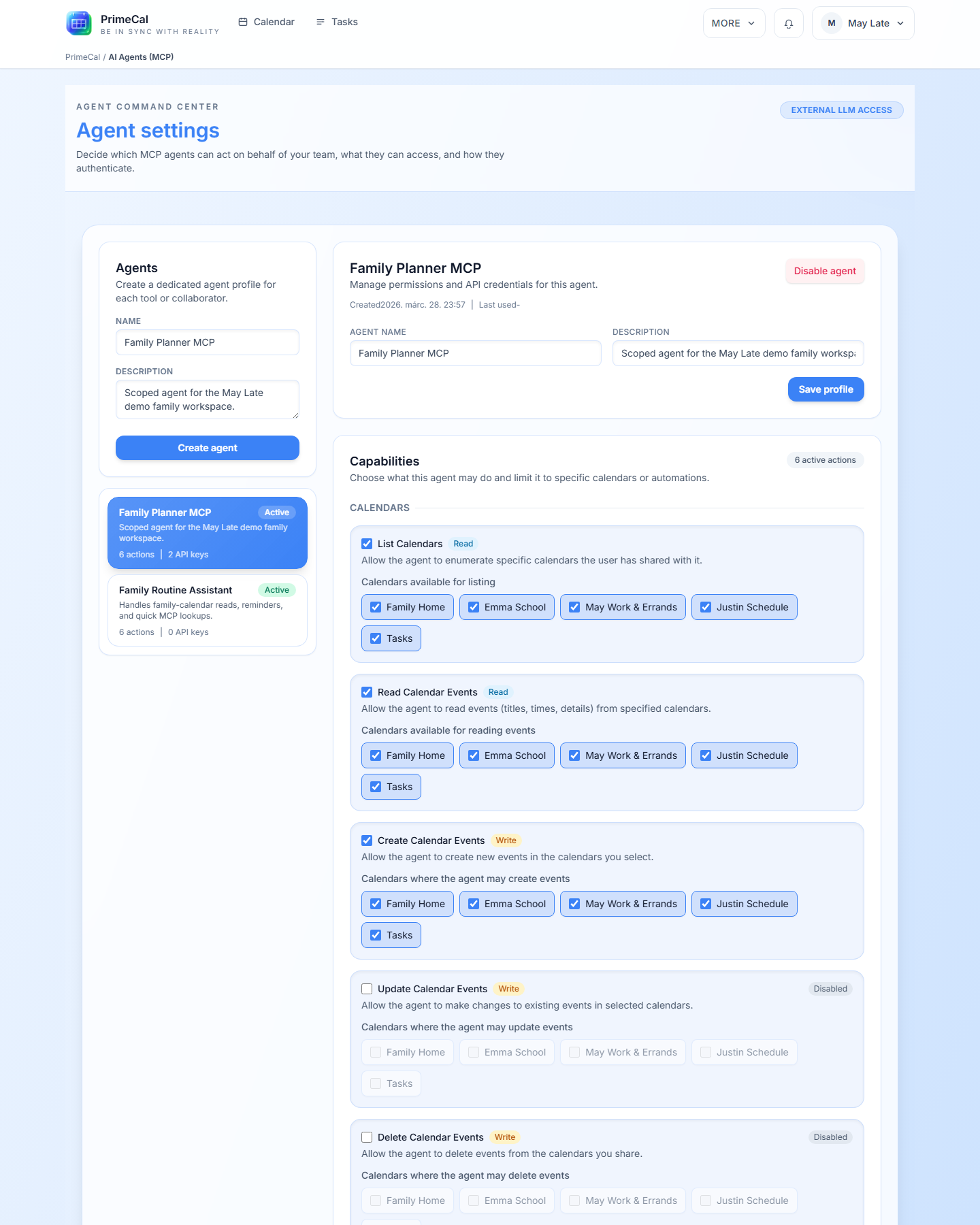
Can an AI agent read my whole account by default?
Short answer: no. PrimeCal agents are meant to be permissioned and scoped.
The safest approach is to grant:
- only the actions the tool needs
- only the calendars or automation rules it needs
- only one key per tool or workflow
What is the safest first test after creating an agent?
Short answer: test one low-risk read or one low-risk write against a non-critical calendar.
Good examples:
- list events from one test calendar
- create one test task
- trigger one non-destructive automation rule
Do not start with a broad write scope or a production-critical calendar.
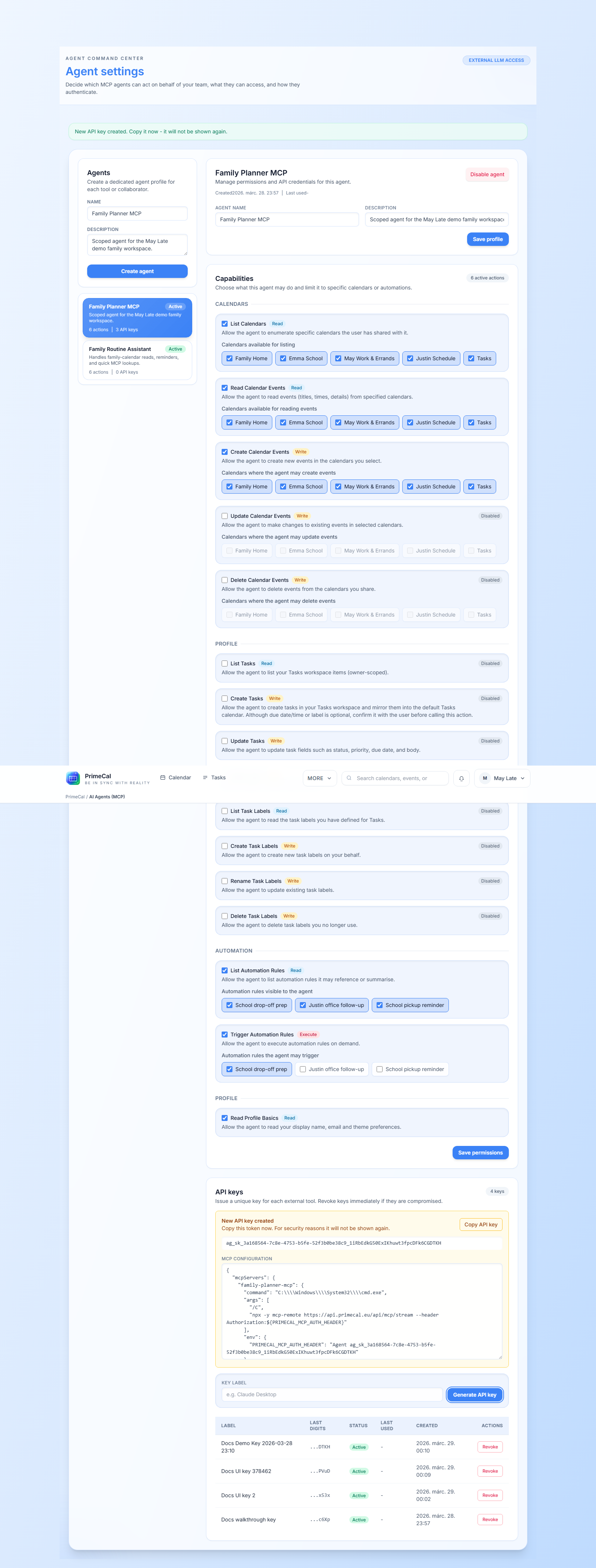
Do I need one agent per tool?
Short answer: yes, in most cases that is the cleaner and safer pattern.
Separate agents make it easier to:
- understand who or what the key belongs to
- revoke one client without affecting others
- narrow permissions accurately
Can I combine sync, automation, and AI agents?
Short answer: yes, but layer them in that order of stability.
Best-practice rollout:
- get the external sync result correct
- add one automation rule
- add an AI agent only after you understand the stable data shape