Security And Privacy FAQ
Use this page when the question is not “how do I plan my week?” but “how do I keep my account safe and understand what PrimeCal stores about me?”
How do I protect my account day to day?
Short answer: keep your password healthy, keep your timezone and email current, and review Personal Logs when something looks unusual.
Good habits:
- use a strong unique password
- do not share the same account across family members or coworkers
- review unusual sign-in or privacy activity in Personal Logs
- revoke or rotate agent keys you no longer use
Does PrimeCal support MFA?
Short answer: yes. The sign-in flow supports authenticator-code and recovery-code prompts when MFA is enabled or required in your environment.
Two practical notes matter:
- you may not see MFA in every environment if it is not yet enforced there
- if PrimeCal asks for a second factor during login, use the authenticator code first and recovery code only as fallback
If your workspace is rolling out stronger sign-in rules, expect MFA behavior to be part of that change.
What can I actually see in Personal Logs?
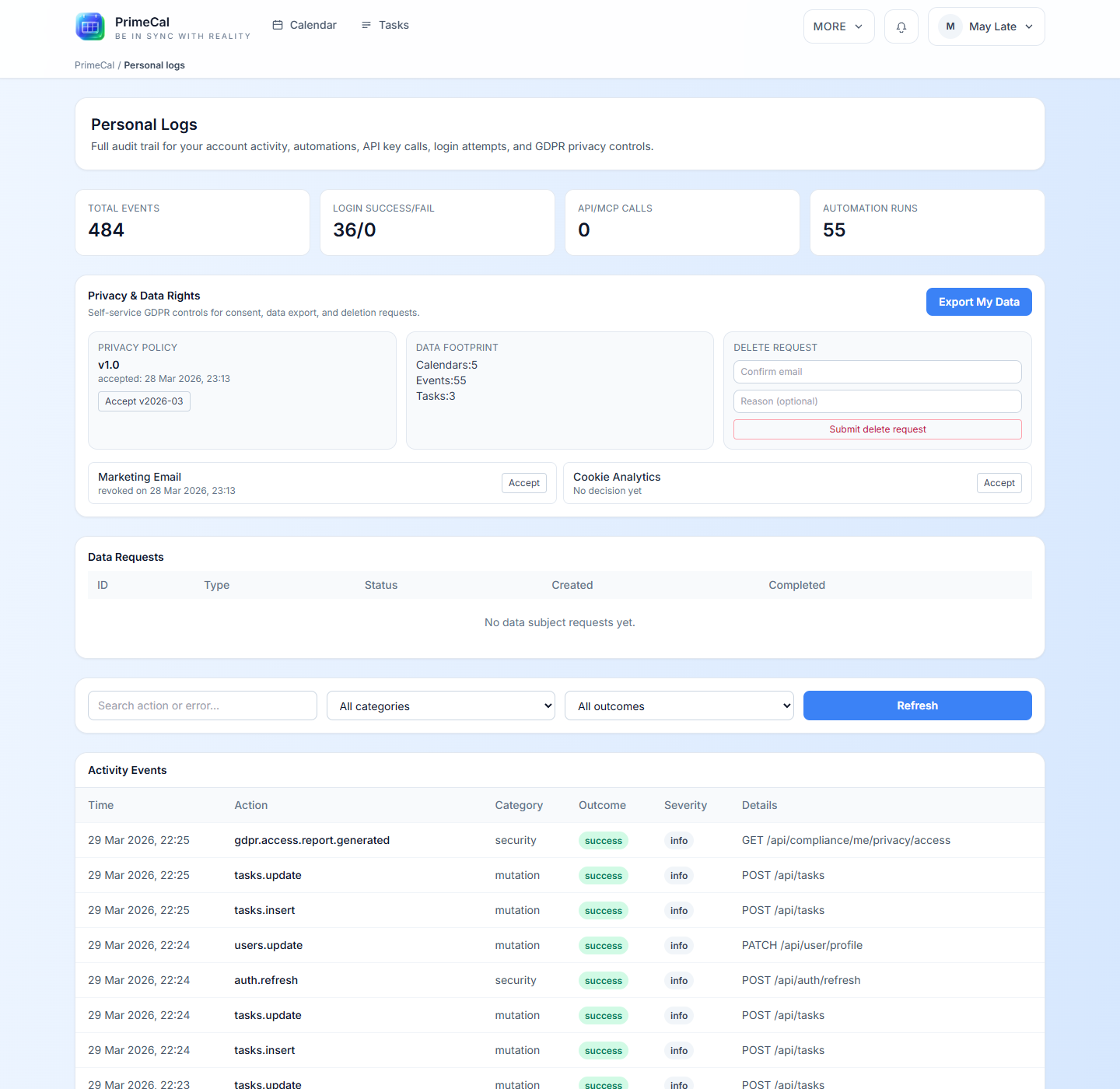
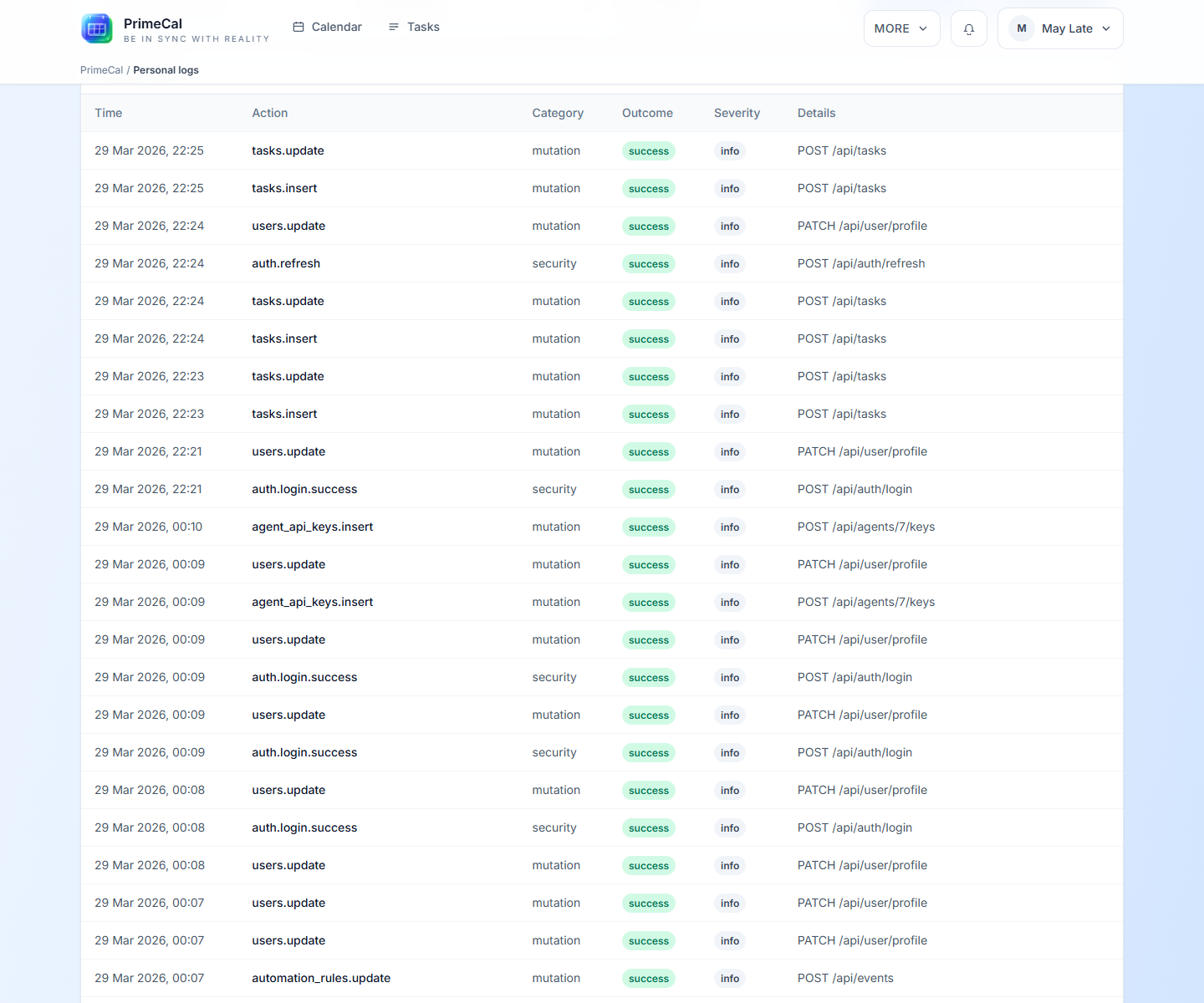
Short answer: your own account activity, privacy actions, recent outcomes, and a user-visible audit history.
This includes the kinds of questions users actually ask after something odd happens:
- Did a login succeed or fail?
- Was a privacy action requested?
- Did an automation-related action touch my account?
- When was a consent or policy action recorded?
Can I export my personal data or request deletion?
Short answer: yes, PrimeCal includes user-facing privacy actions for export and deletion requests.
Use Personal Logs when you need to:
- export your personal data
- review your privacy-policy status
- check data-footprint summary values
- submit an account-deletion request
What is Data Footprint?
Short answer: it is a quick summary of the personal data PrimeCal can count directly for your account.
Examples include totals such as:
- owned calendars
- created events
- owned tasks
It is not meant to replace the detailed history table. It is the fast summary layer.
Who can see my Personal Logs?
Short answer: Personal Logs is a user-owned screen, not a shared admin dashboard.
That means it is designed around your own account context. If you need team-wide or org-wide audit views, that is a different documentation path and not part of the user FAQ.
Do hidden Focus labels or hidden calendars improve privacy?
Short answer: no. They are view controls, not security controls.
Hiding a calendar or hiding labels from live Focus changes what you see on screen. It does not change the underlying existence of the event or the broader access model.
Use these controls for clarity, not for access management.
Where should I go next?
- Profile Page
- Personal Logs
- Troubleshooting FAQ if the issue is “something looks wrong right now”