Introduction To Automation
PrimeCal automation is built around one idea: if the same calendar work repeats, turn it into a rule.
How Automation Fits
1. Create
Build the rule
Name the rule, choose the trigger, add conditions if needed, and define one or more actions.
2. Filter
Find the right rule fast
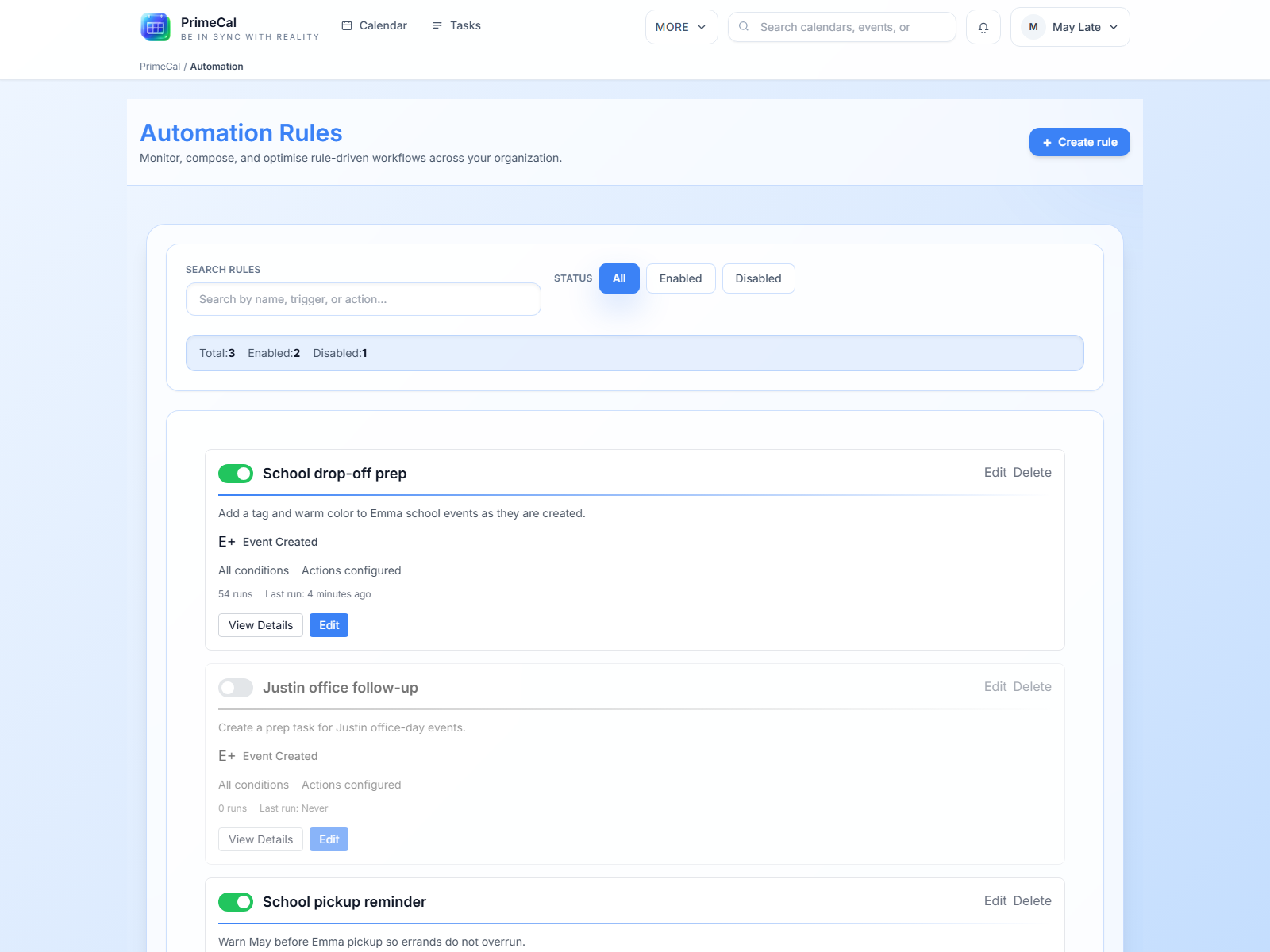
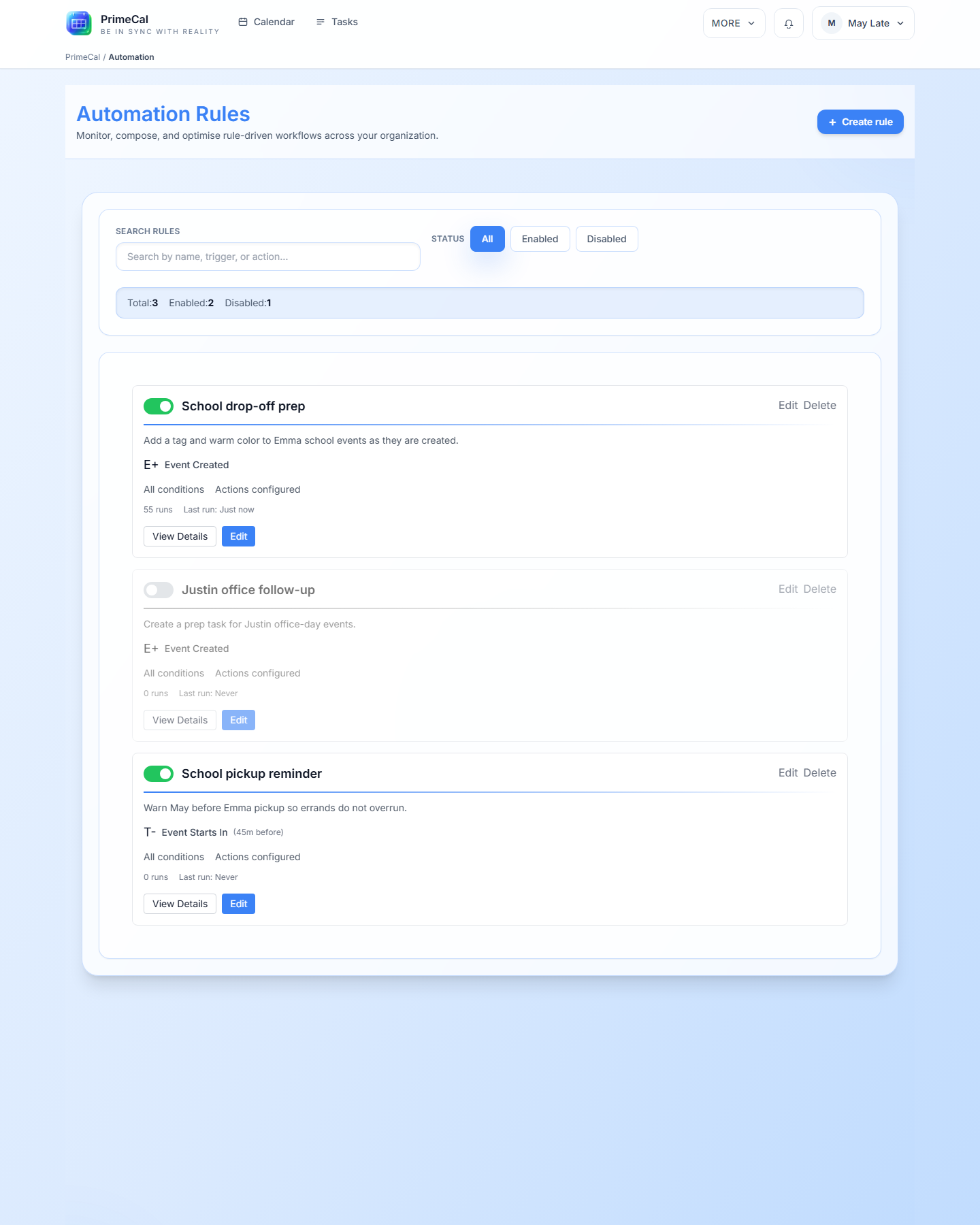
Use search and enabled or disabled filters to keep the rule list manageable.
3. Run
Execute when needed
Let rules run automatically or trigger them manually from the rule detail page.
4. Review
Check the history
Use execution history to confirm what worked, what was skipped, and what needs adjustment.
What Users Usually Automate
- recoloring or moving imported events
- creating follow-up tasks from meeting patterns
- sending notifications after important changes
- standardizing event titles or descriptions
- applying routines to repeated family or work events
Live Automation Screens
Best Practices
- Start with one small rule and confirm it behaves correctly before building more.
- Use clear names so the rule list stays easy to scan.
- Keep conditions explicit when the cost of a wrong match is high.
- Review execution history after every meaningful change.
Continue Reading
Developer Reference
For the backend rule model and execution routes, use the Automation API.