Personal Logs
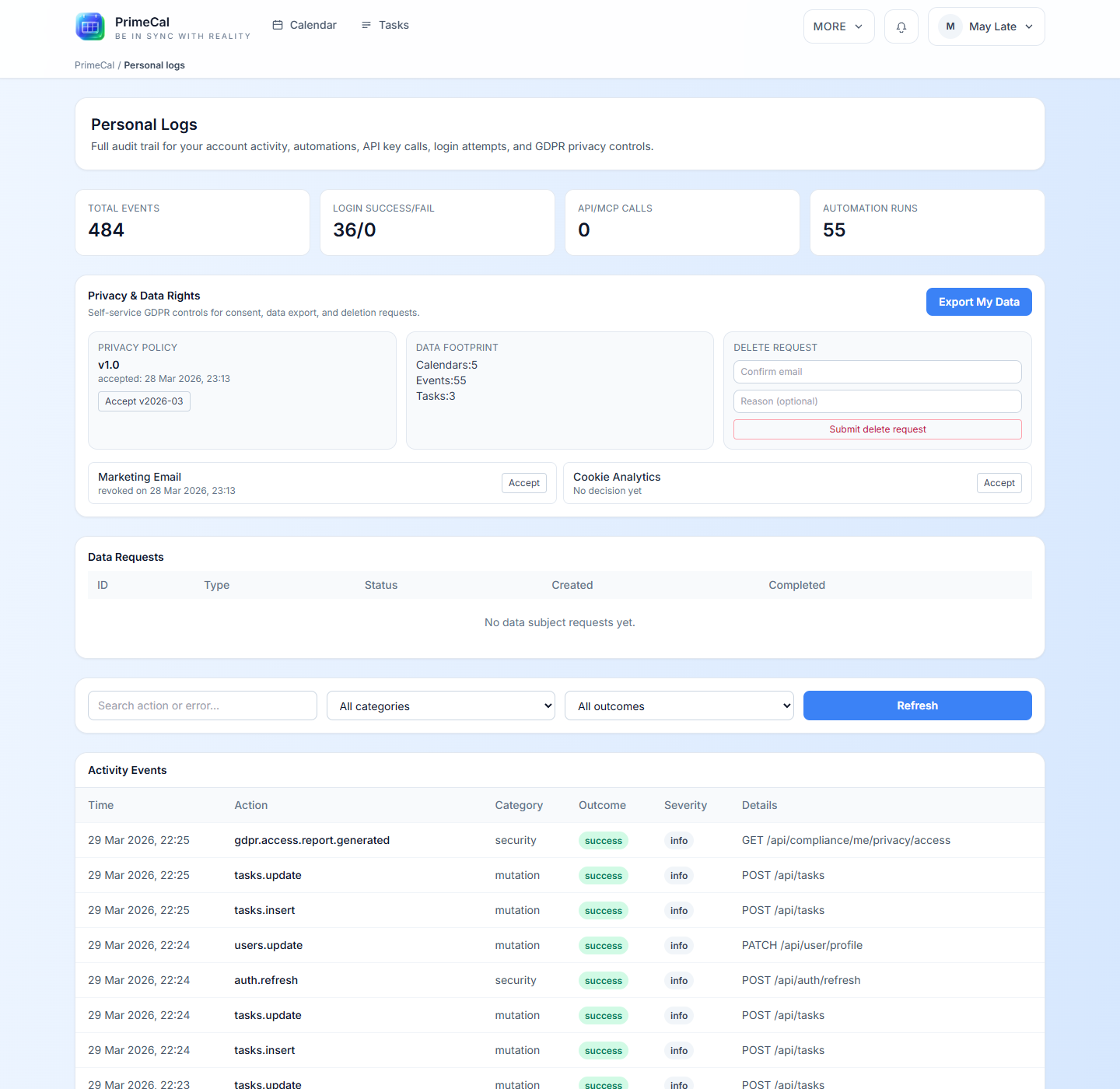
Personal Logs is your private activity and privacy screen. It helps you understand what has happened on your account without exposing system-wide admin data.
How To Open It
- Open
More. - Select
Personal logs.
What You Can Review
| Section | What it shows |
|---|---|
| Summary cards | A quick picture of recent activity and account behavior |
| Privacy actions | Personal export or privacy-related actions available to your account |
| Activity feed | Detailed records with timestamps and outcomes |
| Filters | Narrow the list so you can find specific actions faster |
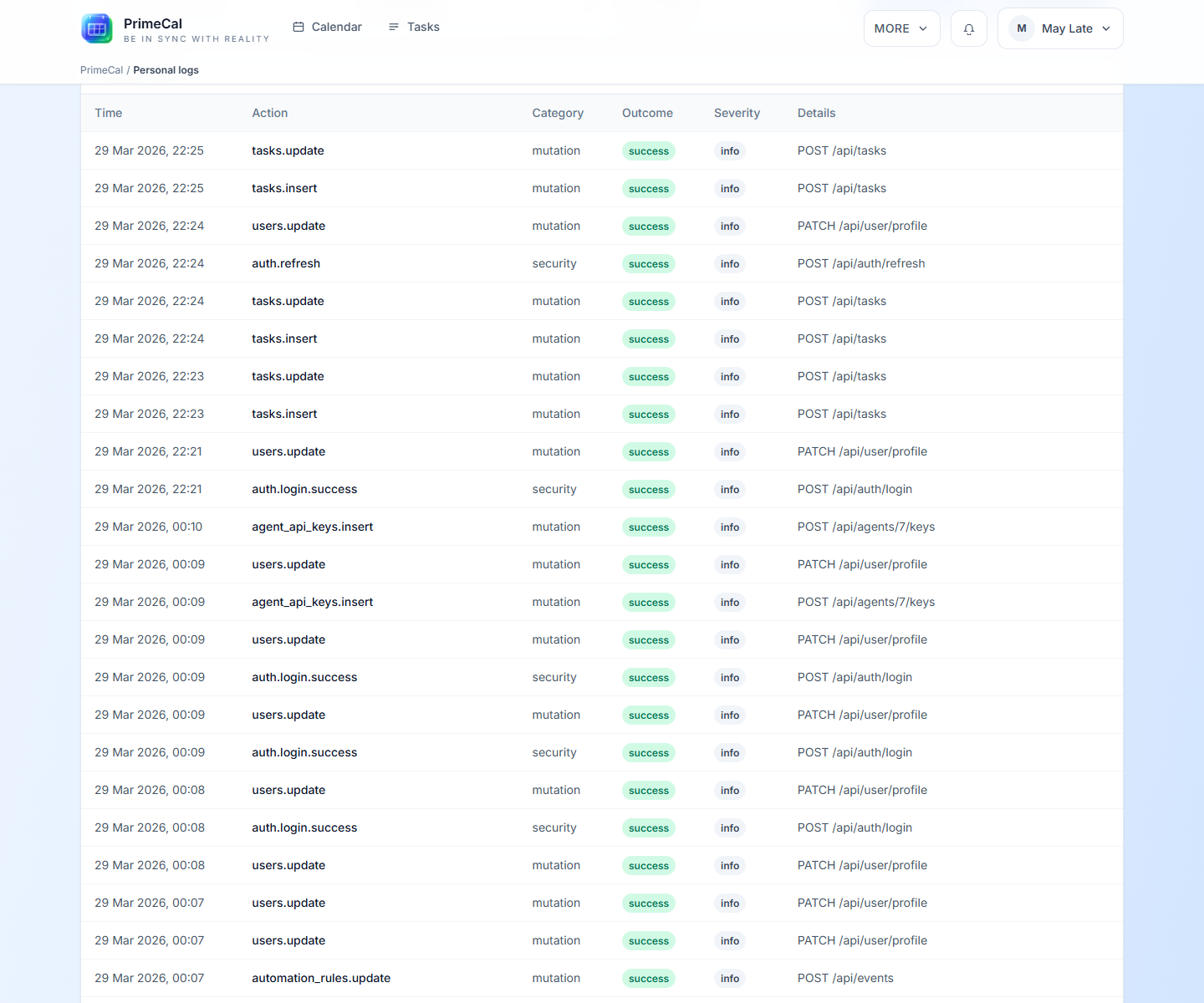
Activity Table
The activity table is useful when you want to answer questions like:
- What changed recently?
- Did a login fail or succeed?
- When was a privacy action requested?
- Did automation-related activity touch my account?
Best Practices
- Use this page as a private review tool, not as a shared audit dashboard.
- Check it after unusual sign-in behavior or privacy changes.
- Keep profile settings and privacy choices aligned with what you see here.
- If you only need to change preferences, return to the Profile Page.
Developer Reference
For the user-owned audit routes behind this screen, use the Personal Logs API.