Organisation Billing and Stripe Settings
Use this page when you need to connect an organisation to Stripe, confirm that PrimeCal can create paid booking checkouts, and set the billing defaults used by new paid services.
Time to complete: 10-15 minutes
Difficulty: Intermediate
Overview
Organisation billing is the admin-only layer behind paid bookings. It controls:
- whether the organisation is connected to Stripe Connect
- whether charges and payouts are currently usable
- the default billing currency for new paid resource types
- whether payment-required booking types can actually launch Checkout
PrimeCal acts as the platform. Each organisation connects its own Stripe account and keeps its own payout relationship with Stripe.
Prerequisites
- You must be an organisation admin.
- Your organisation must already exist and be selected as the active organisation.
- You need a Stripe account that can complete Stripe Connect onboarding.
Where To Find The Billing Screen
PrimeCal exposes the billing surface inside the reservations workspace:
- primary route:
/app/reservations/billing - Stripe return route:
/settings/billing/stripe - Stripe refresh route:
/settings/billing/stripe/refresh
This screen shows:
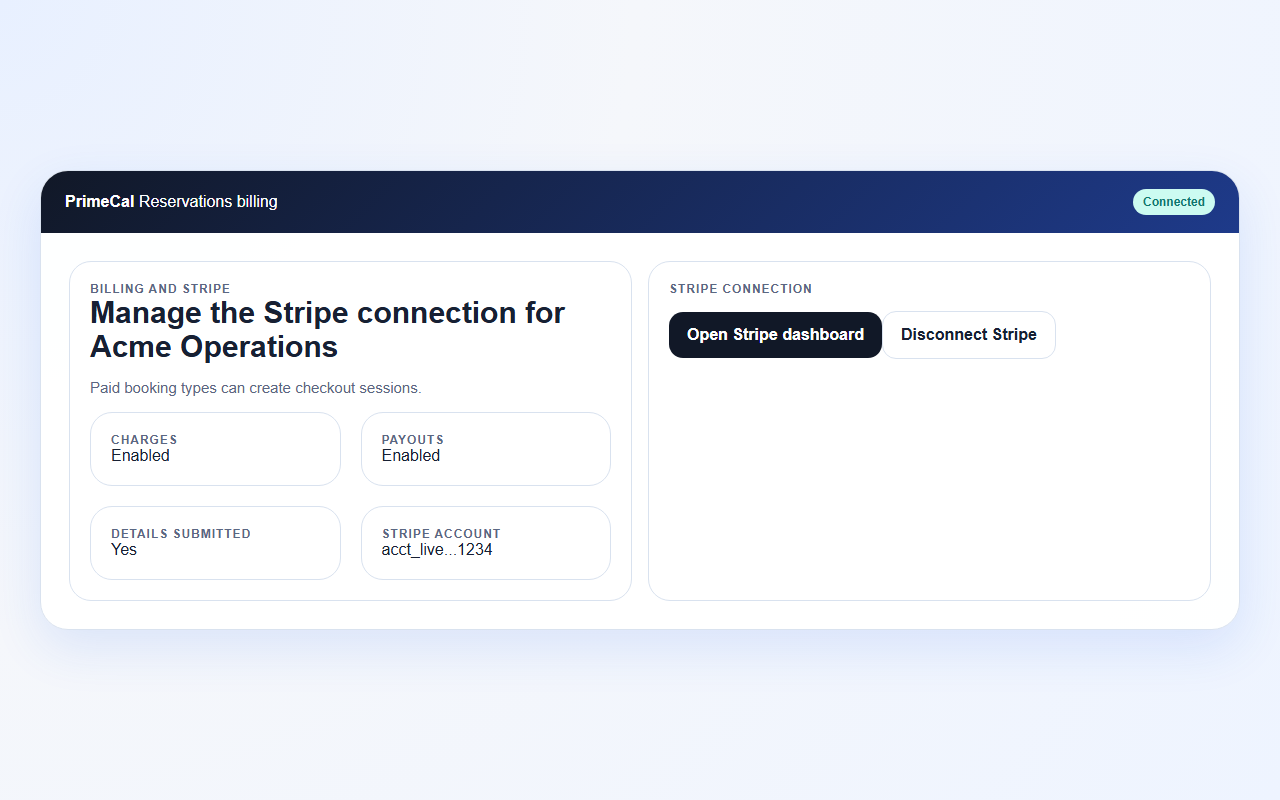
- Stripe connection status
- charges, payouts, and onboarding readiness
- the default billing currency
- connect, dashboard, and disconnect actions
Connect Stripe For An Organisation
- Switch to the correct active organisation.
- Open the Billing tab in the reservations workspace.
- Review the current Stripe status:
- Not connected
- Onboarding in progress
- Connected
- Restricted
- Disabled
- Select Connect with Stripe.
- Complete or resume the Stripe-hosted onboarding flow.
- Return to PrimeCal and confirm that the status updates.
When Stripe is connected successfully, PrimeCal stores only safe account-level metadata such as:
stripeAccountIdstripeConnectStatus- charge/payout readiness
- the organisation default currency
PrimeCal does not store raw card numbers, CVC values, or bank account details.
Configure Billing Defaults
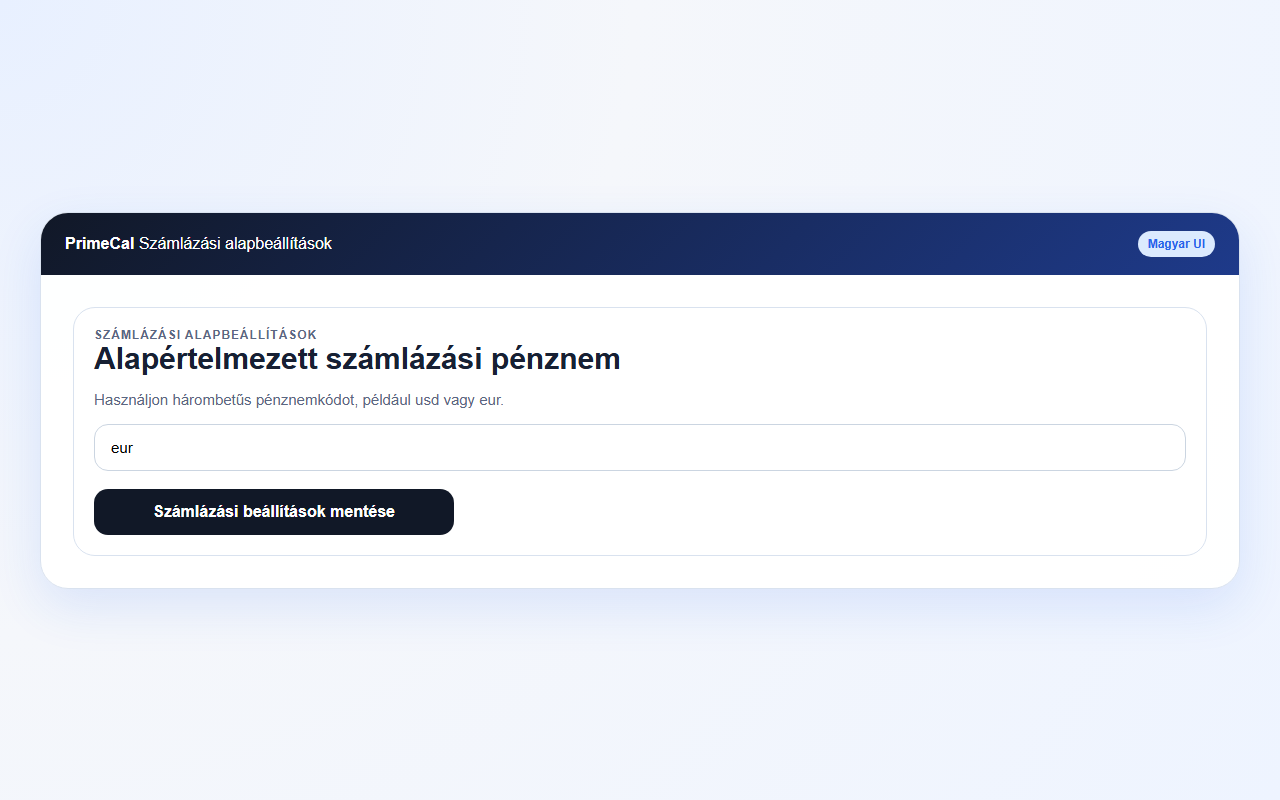
The billing defaults section lets admins set the default three-letter currency for new paid resource types.
Recommended flow:
- Review the organisation currency already used in operations.
- Enter a Stripe-supported code such as
usdoreur. - Save the billing settings.
- Re-open a paid resource type and confirm the currency is prefilled as expected.
Resource types can still override the default when a valid Stripe-supported currency is needed for a specific service.
Localized Billing Labels
The billing screen is now localized end to end for the supported app languages instead of mixing translated content with hard-coded English.
Important label pairs to validate:
| English | Hungarian |
|---|---|
Billing and Stripe | Számlázás és Stripe |
Connect with Stripe | Kapcsolódás a Stripe-hoz |
Default billing currency | Alapértelmezett számlázási pénznem |
Save billing settings | Számlázási beállítások mentése |
Security notes | Biztonsági megjegyzések |
Disconnect Stripe
Disconnecting Stripe is an operational stop switch for new payment-required bookings.
When you disconnect:
- PrimeCal clears the stored Stripe account reference on the organisation
- paid public booking flows stop launching Checkout
- existing Stripe-side records remain in Stripe for audits and support
- free bookings continue to work normally
Use disconnect when you need to pause payment collection or move the organisation through a fresh onboarding cycle.
Security and Compliance
- Only organisation admins can manage Stripe connection state or billing defaults.
- Payment-required booking types should stay disabled until Stripe reports a usable connection.
- Card data never hits PrimeCal servers; Stripe handles the checkout form and card collection.
- PrimeCal still enforces organisation isolation on billing routes. The frontend reads the organisation ID from the current route and authenticated context, but the backend remains the source of truth.
Troubleshooting
The billing screen says Stripe is connected, but paid bookings are still blocked
Open the status section and review:
chargesEnabledpayoutsEnableddetailsSubmittedcurrentlyDuedisabledReason
The organisation can look connected while Stripe still requires additional verification before Checkout should be used.
I can see the Billing tab, but I cannot save changes
Confirm that your organisation role is still admin. Editors can manage
resources and pricing, but billing defaults and Stripe lifecycle controls stay
admin-only.
Disconnect succeeded, but old reservations still show Stripe identifiers
That is expected. Disconnect affects future payment flows. Existing reservation audit and payment references remain available for reconciliation and support.
What a Connected Account Looks Like
A healthy Stripe connection, with charges and payouts visible:
Billing defaults: