Focus Mode And Live Focus
Not to be confused with Focus Mode — that's an account-level Experience Mode that changes what's visible across the whole app (navigation, sidebar, Tasks) and persists until you switch back. Everything on this page is a separate, Timeline-only feature that's always been part of the calendar view.
PrimeCal has two related Focus behaviors:
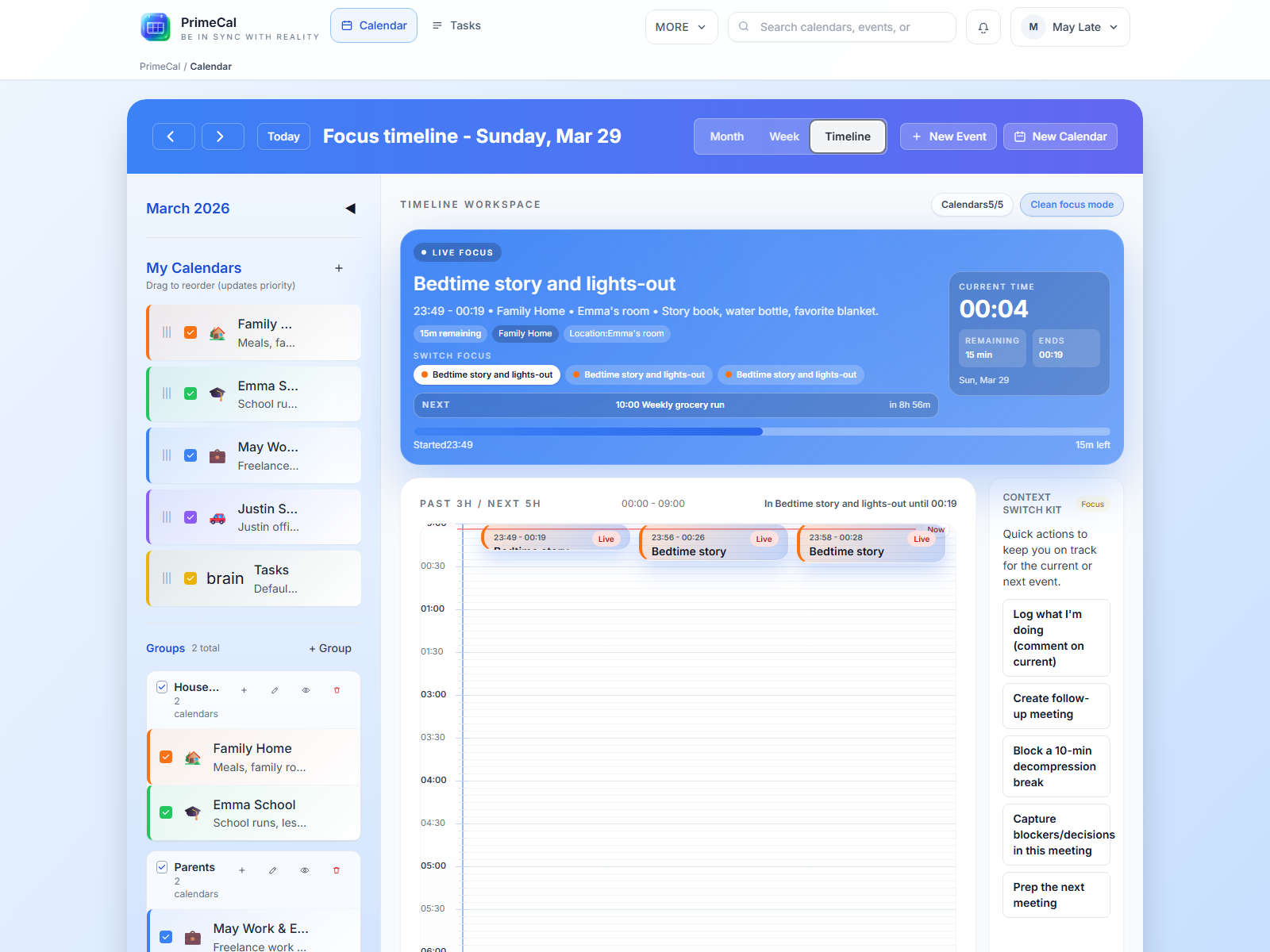
Live Focusin the normal Timeline workspaceClean focus mode, which removes most surrounding chrome and leaves only the current timeline context
Enter Clean Focus Mode
- Open
Calendar. - Switch to
Timelineif needed. - Click
Clean focus mode. - Click
Exit focus modewhen you want the full workspace back.
What Hidden Focus Labels Do
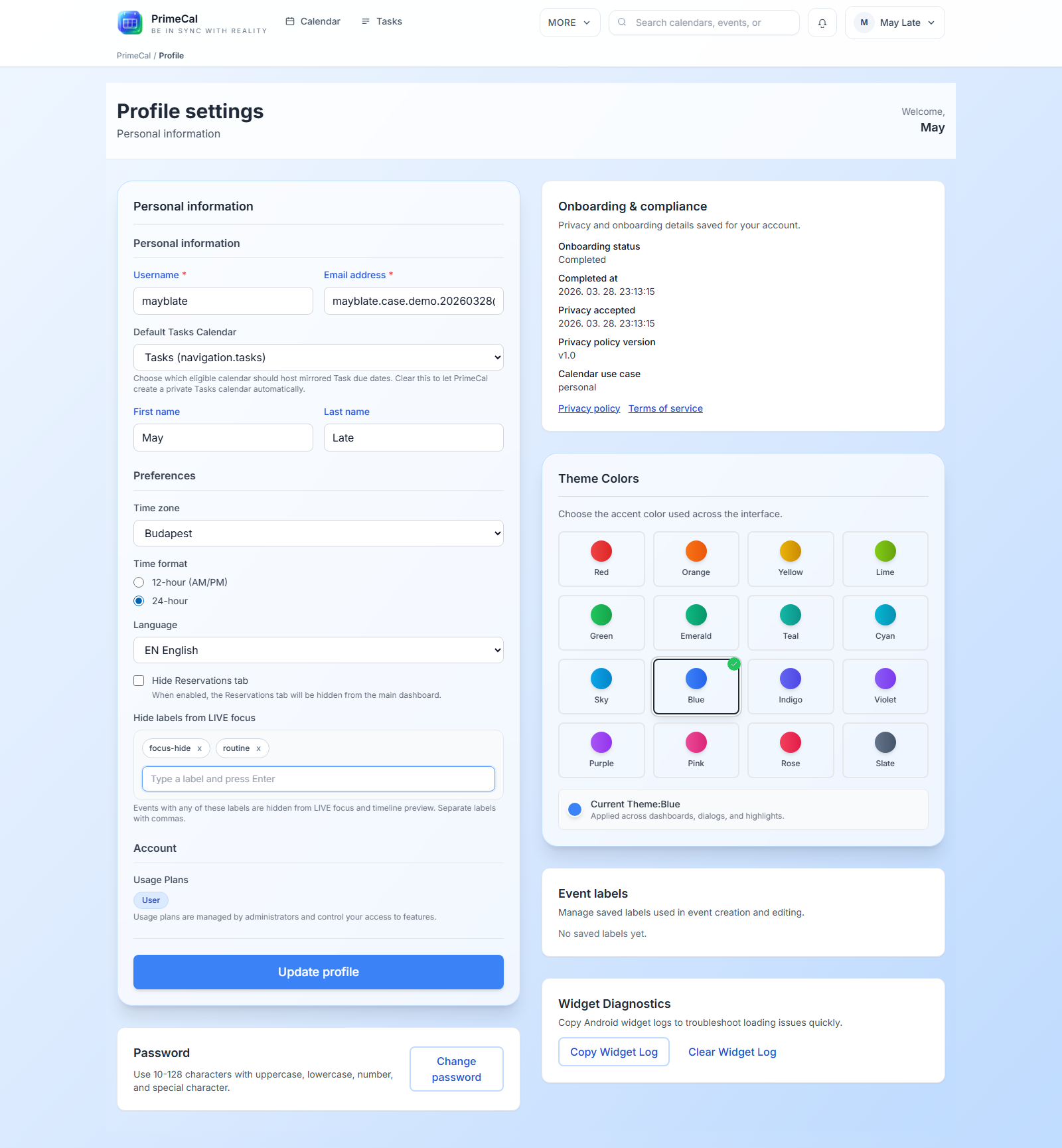
Use Profile -> Hide labels from LIVE focus when you want some events to stay on the calendar but stay out of the live-focus surface.
- Events with those labels still appear in Month view.
- They still appear in Week view.
- They are removed from the live Focus card and the timeline preview strip.
How The Quiet State Looks
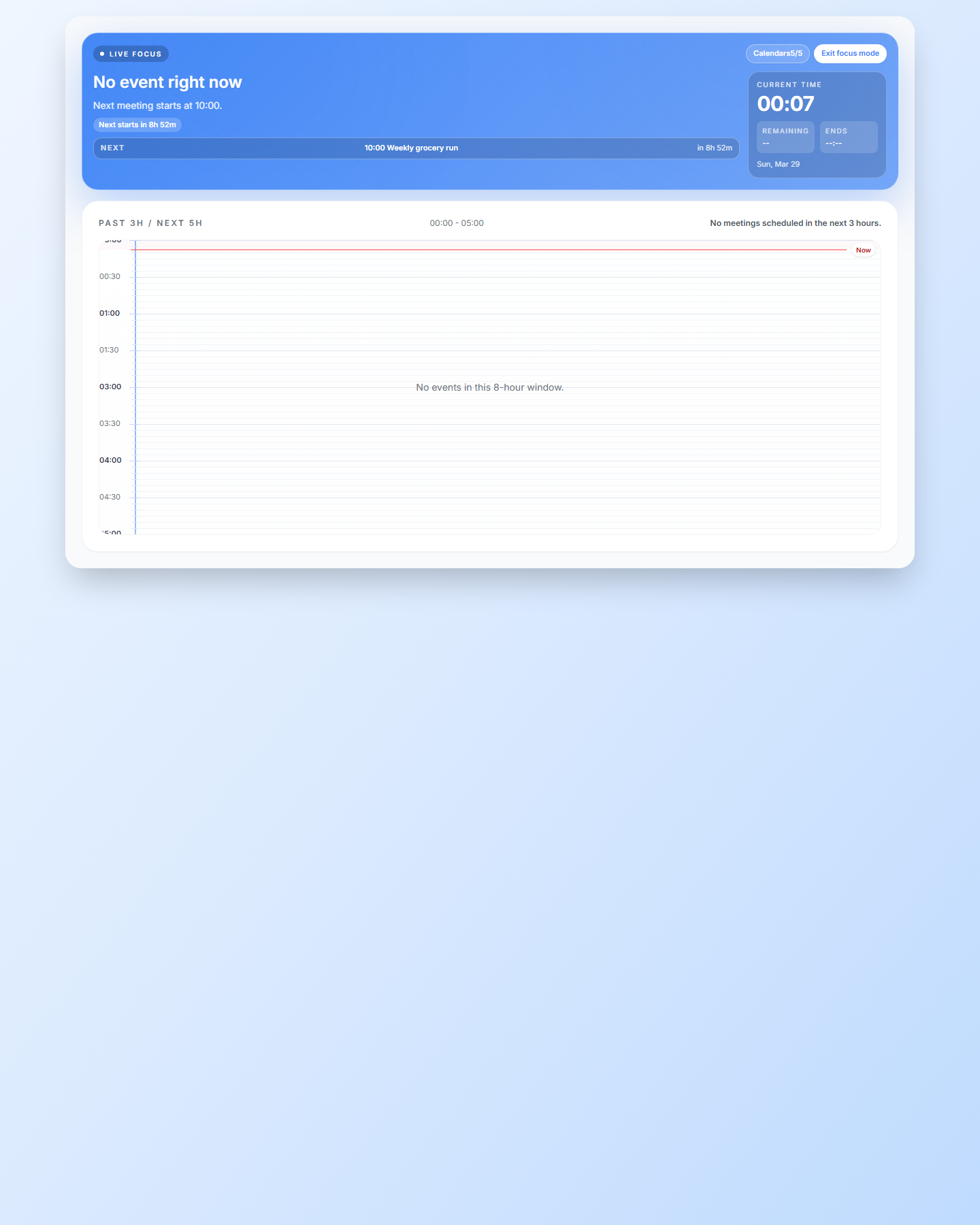
When the current event is filtered out, or when there is no matching live event, Focus switches to the quiet state.
When To Use It
- Hide labels such as
routine,household, orno-focuswhen those items clutter the live view. - Keep family logistics visible in Month or Week view while protecting the current-focus surface.
- Use clean focus mode on a second screen when you want a simplified timeline during the day.